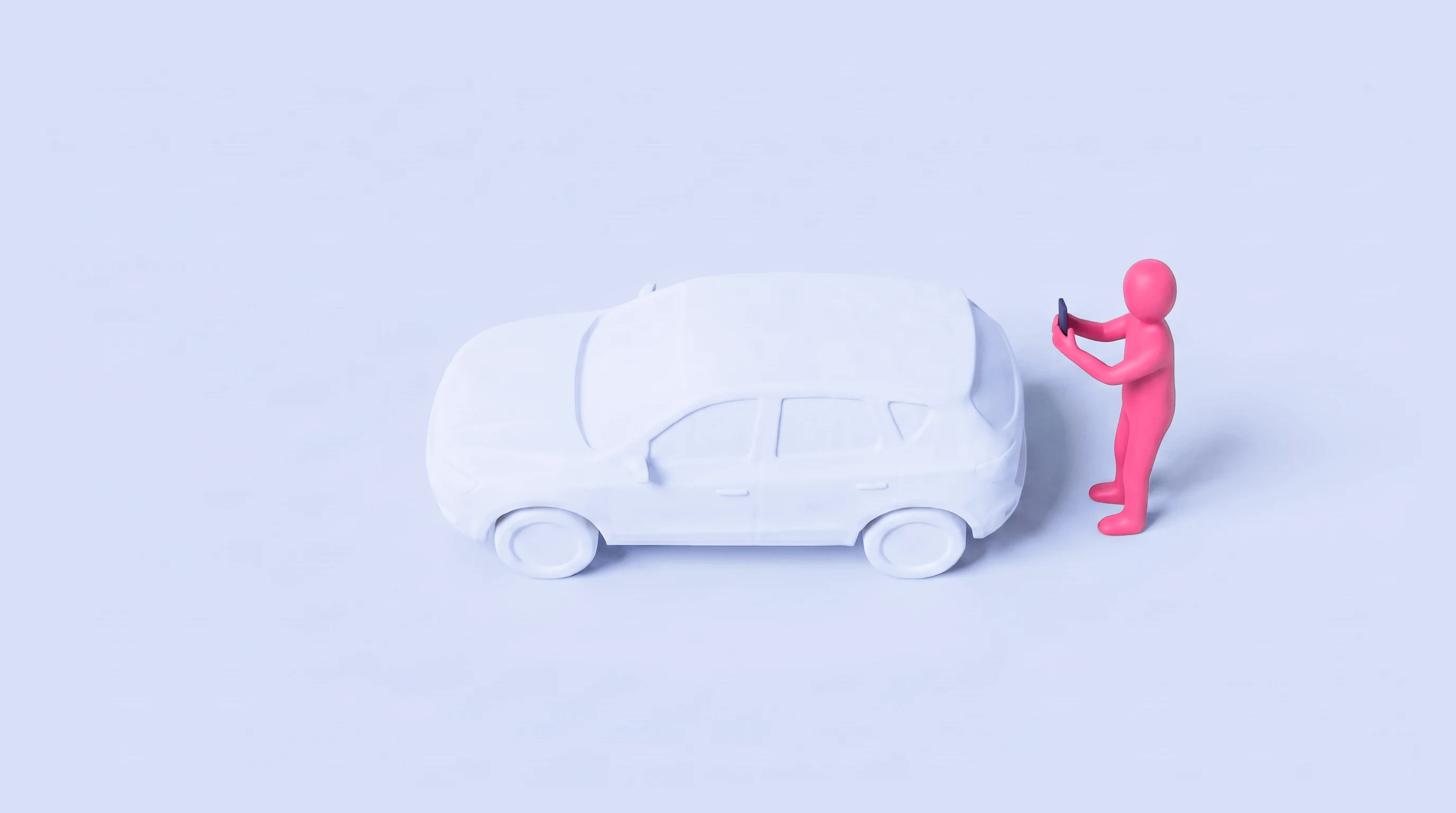
Built for rental fleets. The renter scans the car at pickup and return. VeriBuy compares the two and sends you a damage report with before-and-after proof, or a clean return.
Trusted by rental operators across the United States and South America



Was that damage there before?
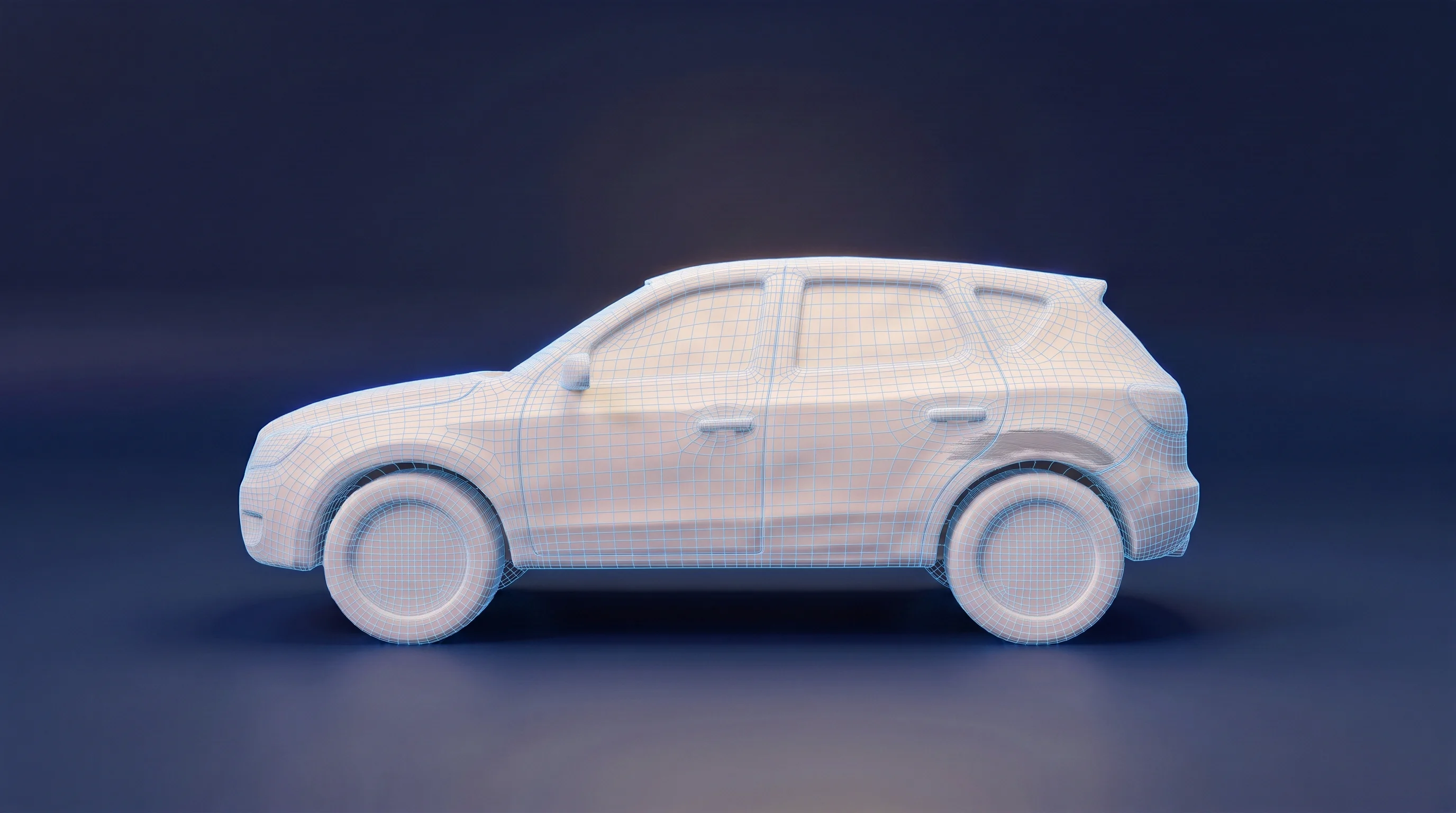

PickupOct 29, 2026 · 10:07 AM
ReturnNov 1, 2026 · 4:35 PM
The whole car, every time
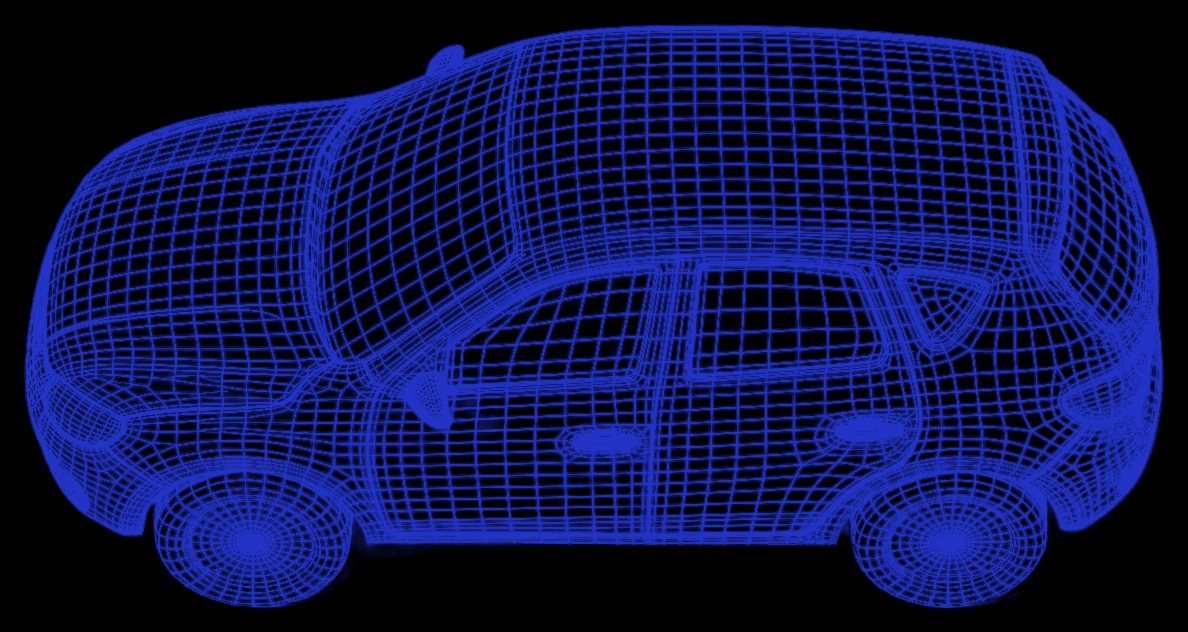
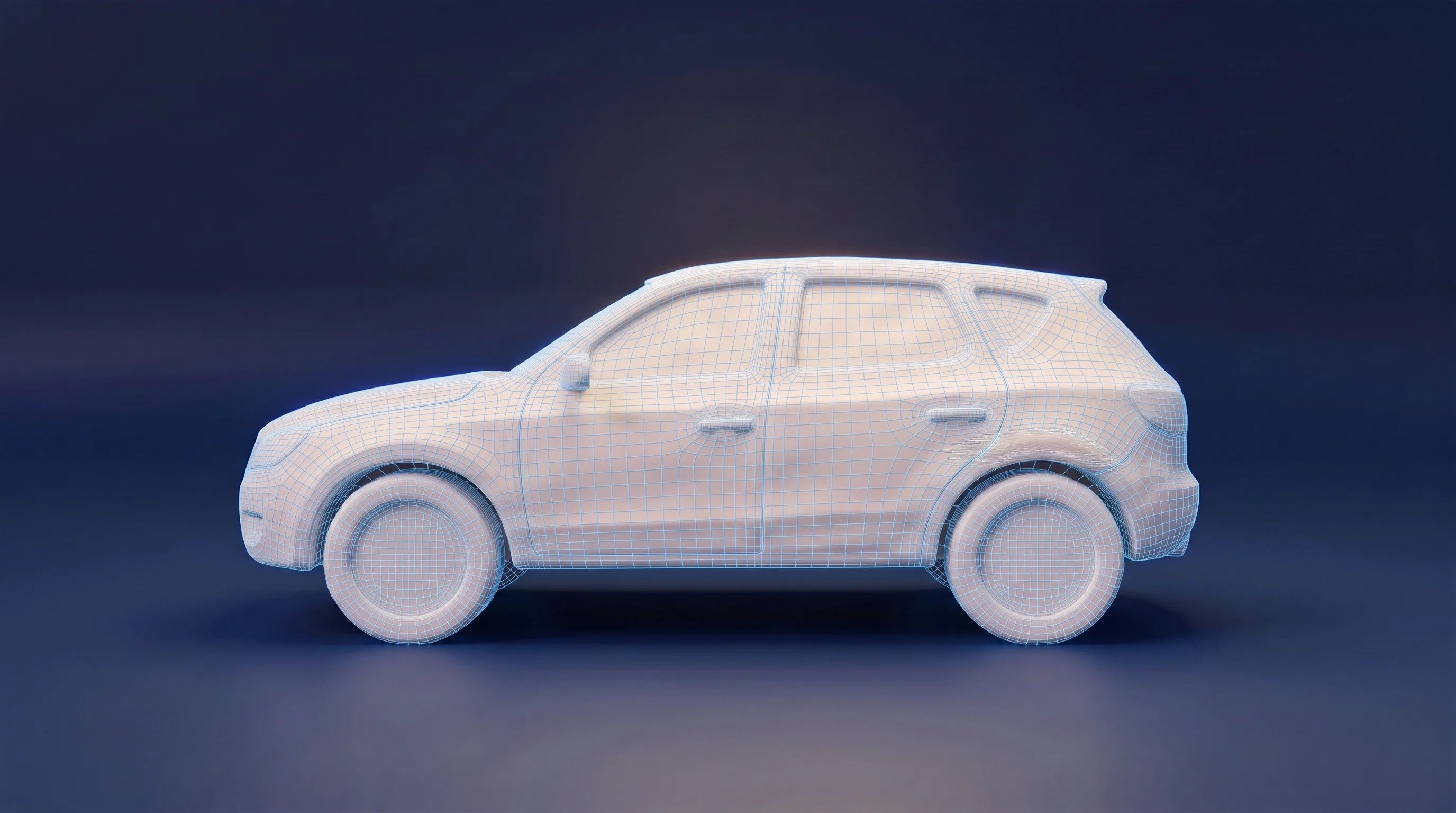
The patent-pending guided walk-around paces the renter around the full vehicle and will not finish until it has seen all of it. The record is complete because the process is.
Same spot, frame by frame
The return scan is matched to the pickup scan at the same point on the car. A change is a change, not a different angle or a different light.
Damage, not dirt
Dents, scrapes, scuffs, breaks, cracks and tears are findings. Dirt, rain and reflections are filtered, not reported.
AI is one part of the analysis. It points at what changed; the pickup and return photos are the evidence, not the model's judgment. Every finding ships with both, boxed, so nothing is reported without the pair.
The renter does the walking.
 9:14#+1 (913) 453-9960Text Message · Today 9:14 AMVeriBuy Rental for Ridgeline Car Rental: your rental link for the Audi Q5. Before you drive off, scan the car here (about a minute): rent.getveribuy.com/rental/s/06ee… Due back Thu, Nov 5 at 5:00 PM. Reply STOP to opt out. Msg&data rates may apply.
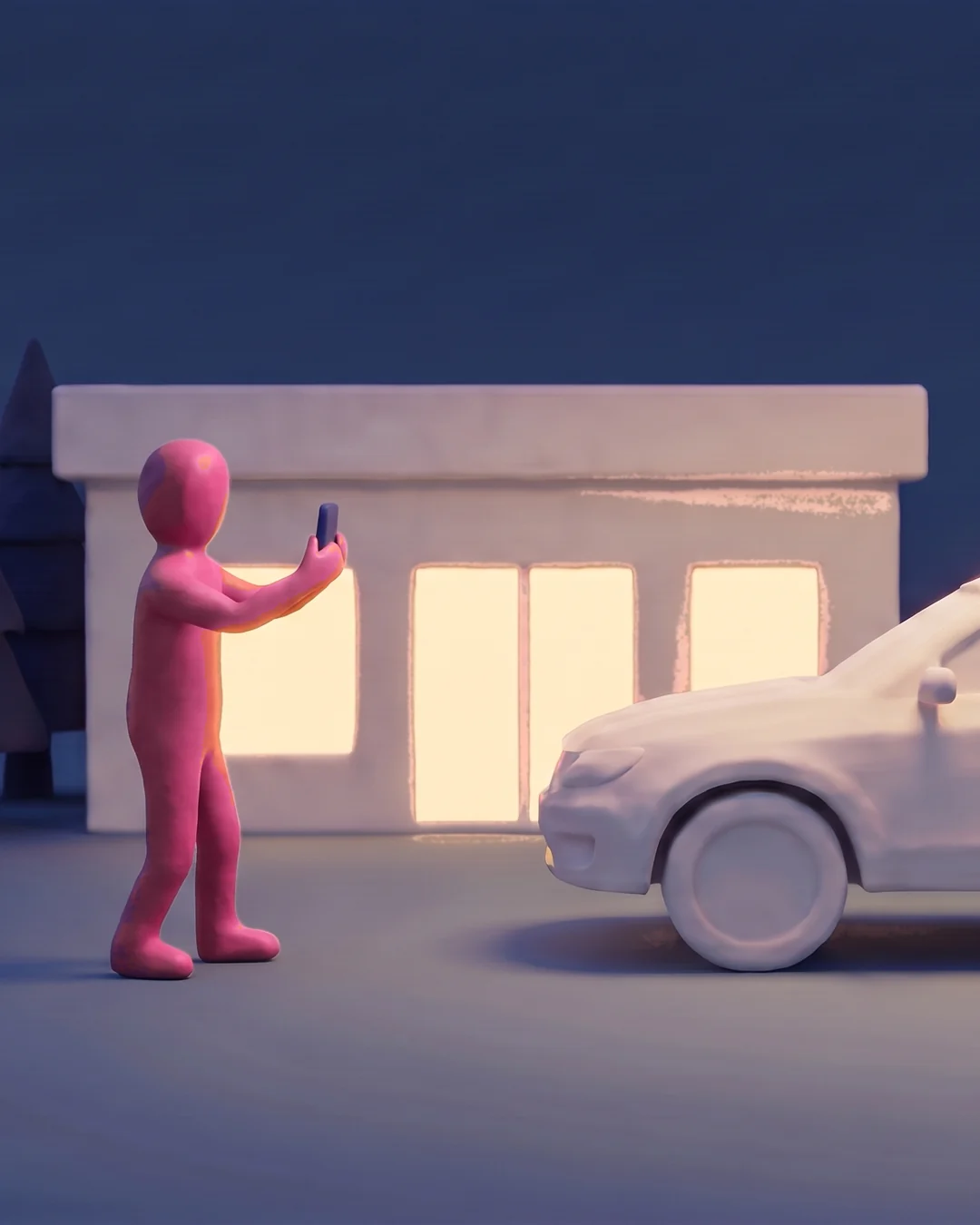
At pickup
The renter gets a link by text and scans the car before driving off. That is the record of how it left.
At return
The same guided scan in your lot, any hour. The flashlight comes on by itself after dark.
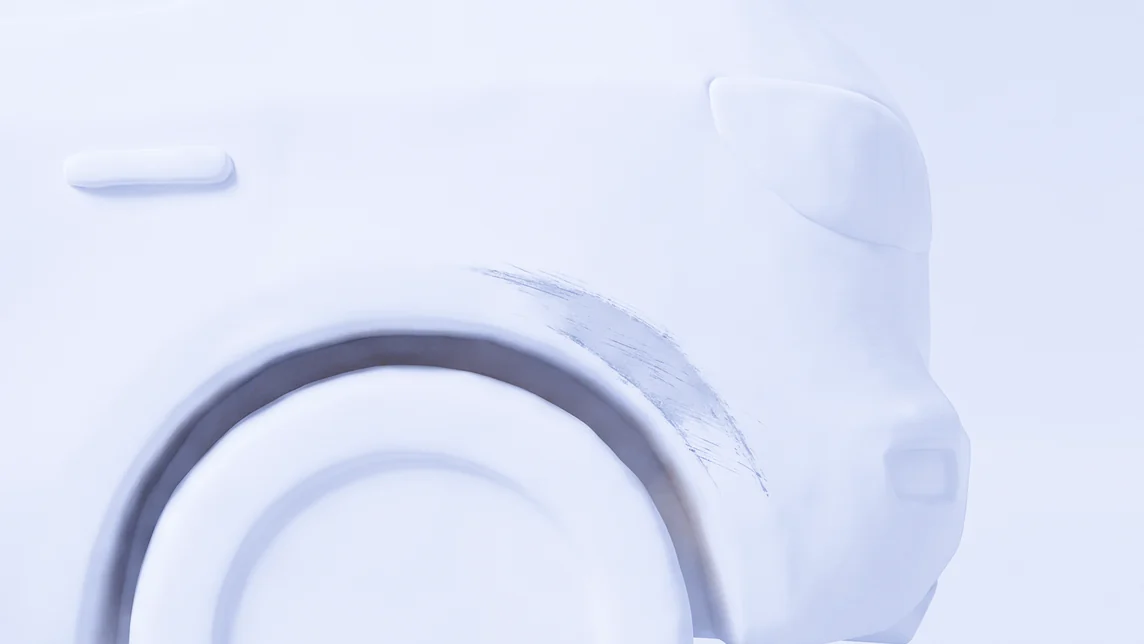
 Scuff · Rear, driver side
Compared
The return is checked against the pickup. You get a clean return, or a damage report ready for the insurer.
The report builds itself.
Time-stamped, and ready for the insurer.
- Every finding, paired
- The pickup photo and the return photo of the same spot, with the change boxed on both.
- Time-stamped twice
- Once at pickup and once at return, with the renter's own confirmation.
- Kept through the claim
- Pickup and return scans stay on file for the whole claims process, so the record is there when the insurer or the renter asks for it.
- One PDF per rental
- Ready to forward to the insurer or the renter.

So your team can get back to renting cars.
Your agent stays at the counter
The renter walks the car at pickup and at return. Your agent stays at the counter with the next customer.
Returns at any hour
The scan turns the phone's flashlight on after dark. A car dropped at midnight is documented at midnight.
Questions operators ask.
Does the renter need to install anything?
No. The scan link opens in the phone's browser and uses the camera there. It works on iPhone and Android.
What if the renter skips the scan?
At pickup the scan happens before the keys change hands. At return, if the renter skips it, your staff run the same scan from their own phone.
Does it work at night?
Yes. The scan turns the phone's flashlight on when the light drops, so a midnight return is documented like a noon one.
What happens when damage is found?
You get a damage report: the pickup photo and the return photo of the same spot, the change boxed on both, with timestamps. It is ready to forward to the insurer or the renter.
How long do you keep the scans?
Through the whole claims process. Pickup and return scans stay on file so you can pull them whenever the insurer or the renter asks.
Where does the data live?
Scans and reports are stored on our platform and visible only to your account. Renters consent on your rental agreement; the full privacy and text-message terms are linked in the footer.
What does it take to start?
Sign up below. We set up your location with your name on the renter's screens and send your login. There is nothing to integrate.
Sign up today.
Tell us about your location. We set it up with your name on the renter's screens and send your login.
- Priced per rental
- Nothing for your staff or the renter to install
- Live on your next rental